 StreamFlow
Playlists & guide data
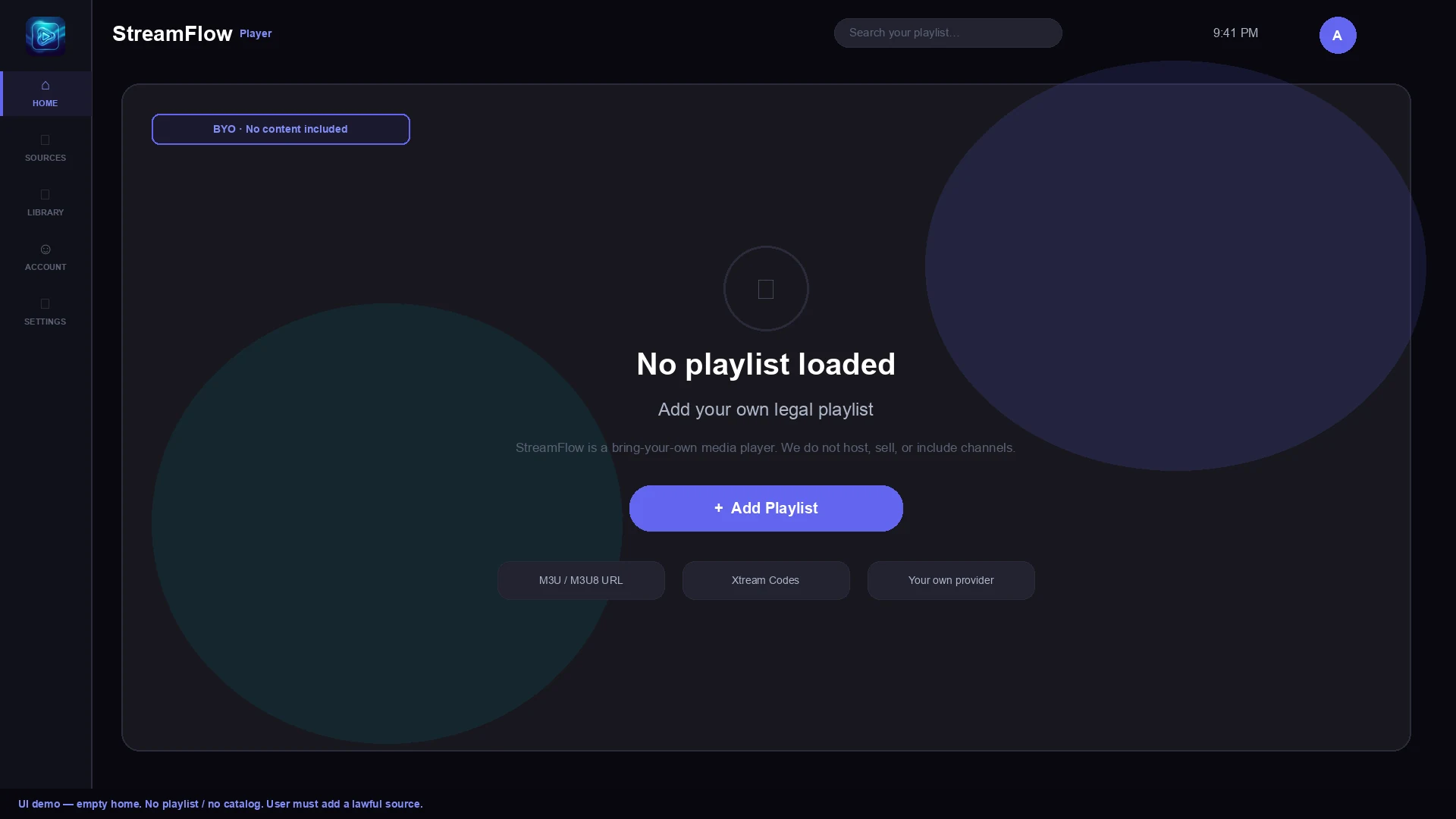
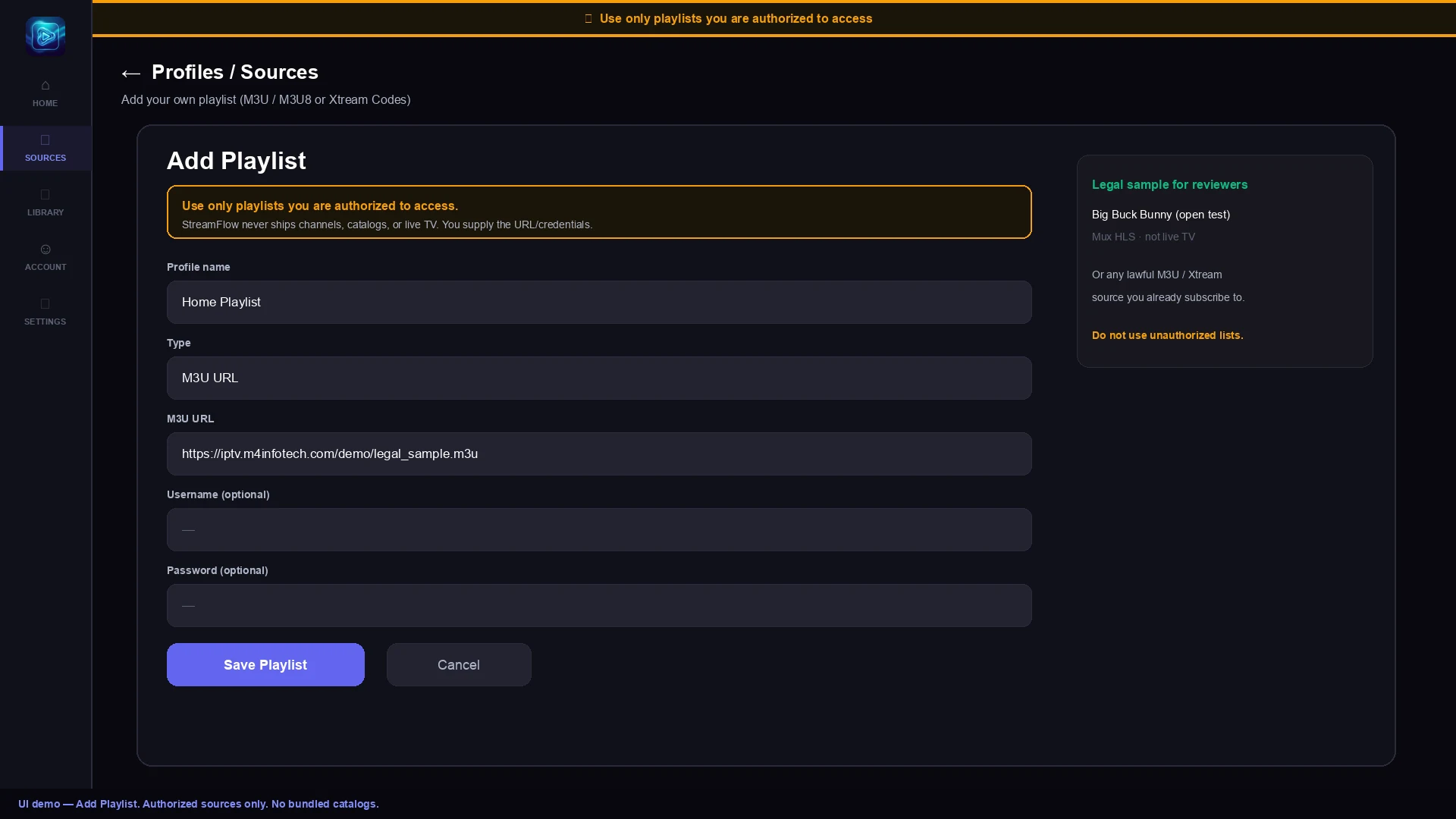
Add a compatible playlist, browse its entries, and view guide data when your source provides it.
StreamFlow plays M3U/M3U8 playlists and Xtream-compatible sources you configure. No channels or video catalog are bundled. Add only sources you are authorized to access.
Google Play for Android, Android TV & Google TV · Direct downloads for Fire TV and Windows
Capabilities
Set up your own media source, browse its library, and use playback tools designed for both touch screens and the living room.
Add a compatible playlist, browse its entries, and view guide data when your source provides it.
Browse video entries supplied by your configured source, with detail pages and playback controls across supported screens.
PIN-protected categories, adult-content filtering, and safe home rows — so the whole household can browse confidently.
Playback options and hardware decoding help make the experience feel at home on phones, tablets, and TV devices.
Designed for remote navigation, with Android TV and Google TV home integrations where supported.
Credentials encrypted on-device. No cloud account required. GDPR/CCPA consent flows and transparent AdMob disclosure.
Availability
Use the same player across mobile, desktop, and TV. The Android app is available on Google Play for Android TV and Google TV as well as phones and tablets.
Phone & Tablet App
Coming soon
Available on Google Play
Fire TV Stick & Cube
Windows 10 & 11 App
Tizen OS Smart TVs
Choose the number of devices for your StreamFlow account. Your plan covers the player; you configure your own media sources. Playback and guide information depend on the source you add.
After payment, sign in with the same account in the app to use your plan. Already subscribed? Manage account & devices or redeem an activation code.
Install the current Android release from Google Play, or choose a direct APK for supported devices. StreamFlow does not include media; you configure your own sources.
Samsung Smart TV (Tizen) — direct download
Two versions: pick the one for your TV's year (the letter after the screen size in the model code, e.g. UE55TU8079 = 2020). Samsung TVs install these files from a computer with Developer Mode on — step-by-step install guide.
Loading downloads…
Android — direct download
Direct APKs are provided for sideloading. For the Play Store release, use the official Google Play listing below.
Loading downloads…
App stores
Official Google Play listing for StreamFlow IPTV Player.
Desktop